1. Objective Phoria testingObjective Phoria can now be selected under Cover Tests. This is an additional cover test type that provides a more detailed assessment and takes slightly longer than the standard Cover-Uncover test. 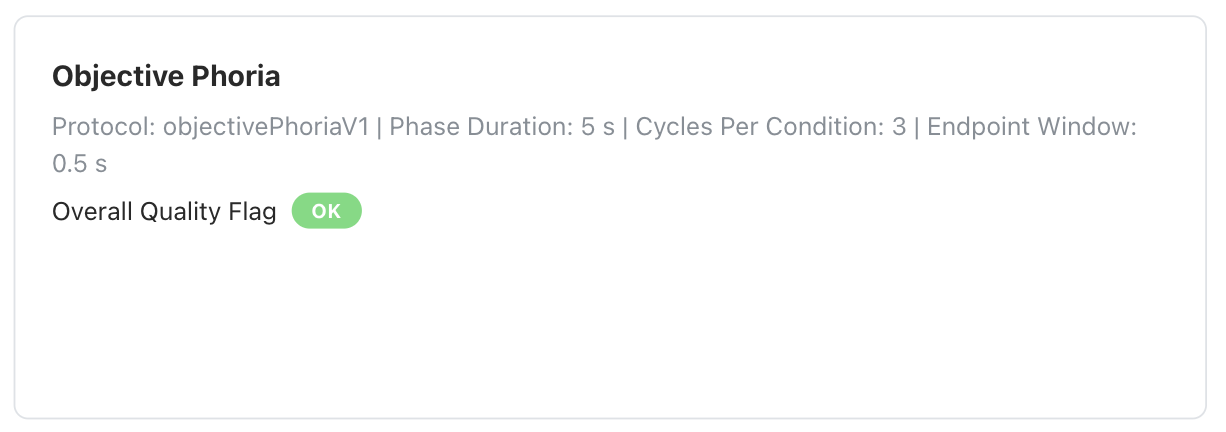
2. Test both eyes back to backFor Visual Field testing, operators can now select both the right and left eye before the test begins. Once the right-eye test is completed, the left-eye test starts automatically without interruption or additional operator input, making the workflow faster and more efficient. 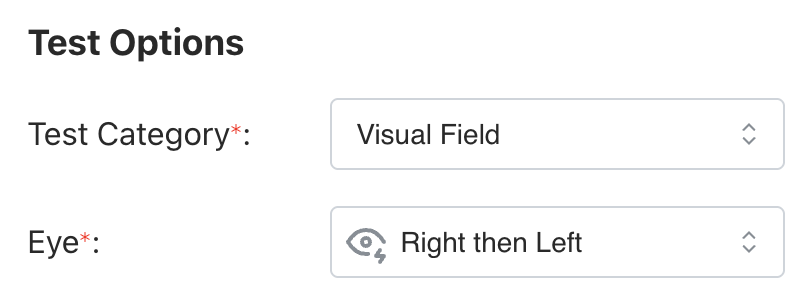
3. Tumbling E threshold testing with corrected sizingThreshold testing is now available for the Tumbling E test. Instead of always starting from the beginning of the chart, the test starts from a mid-level size. If the patient cannot identify the optotype, the size increases; if they can, it decreases. This makes the test faster and more efficient. 4. VA skip video logic with confirmation modalThe Visual Assistant video can now be skipped after the test has started, with a confirmation modal shown before skipping. 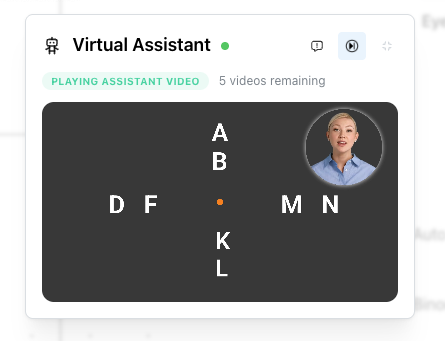
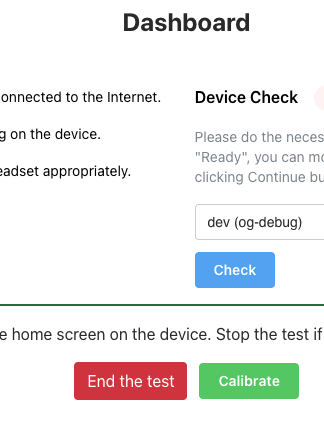
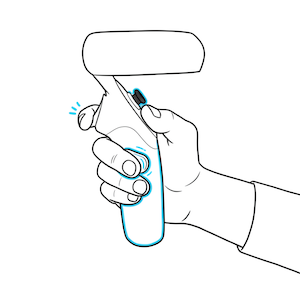
5. Eye-tracking calibration integrated into the appEye-tracking calibration can now be performed without leaving the application. In the menu scene, calibration can be triggered by pressing B five times on the controller. It can also be launched from the Dashboard. This is especially useful when there is a high fixation loss rate during testing. 6. Color Vision (Ishihara) test controlled by controllerA new Color Vision (Ishihara) test has been added that does not require operator assistance. The patient can provide responses directly using the controller thumbstick. 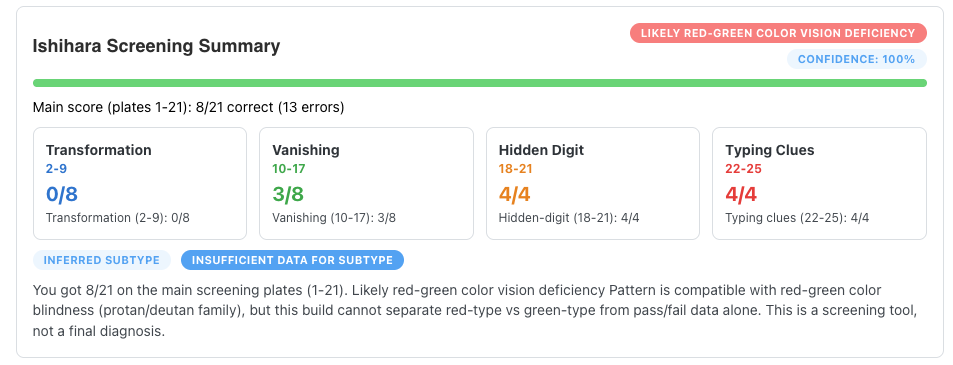
7. Improved Color Vision results with deficiency typesColor Vision test results now include deficiency type classifications, such as red-green deficiency. 8. Contrast Sensitivity Test improvements (FN/FP logic, delays)False negative and false positive calculations have been added to the Contrast Sensitivity threshold test, along with timing and delay improvements. 9. Trigger button animation before test startA tutorial-style animation showing the trigger button is now displayed before the test begins to guide the patient. 10. Test finish animation addedA completion animation is now shown in the app after a test is finished. 11. User settings pageA new user settings page has been added. From Settings > User, users can change their password, enable two-factor authentication, view their registered email address, and update their email address. The registered email address is also used for two-factor authentication when enabled. 12. Assign test to another patientCompleted tests can now be reassigned to another patient. 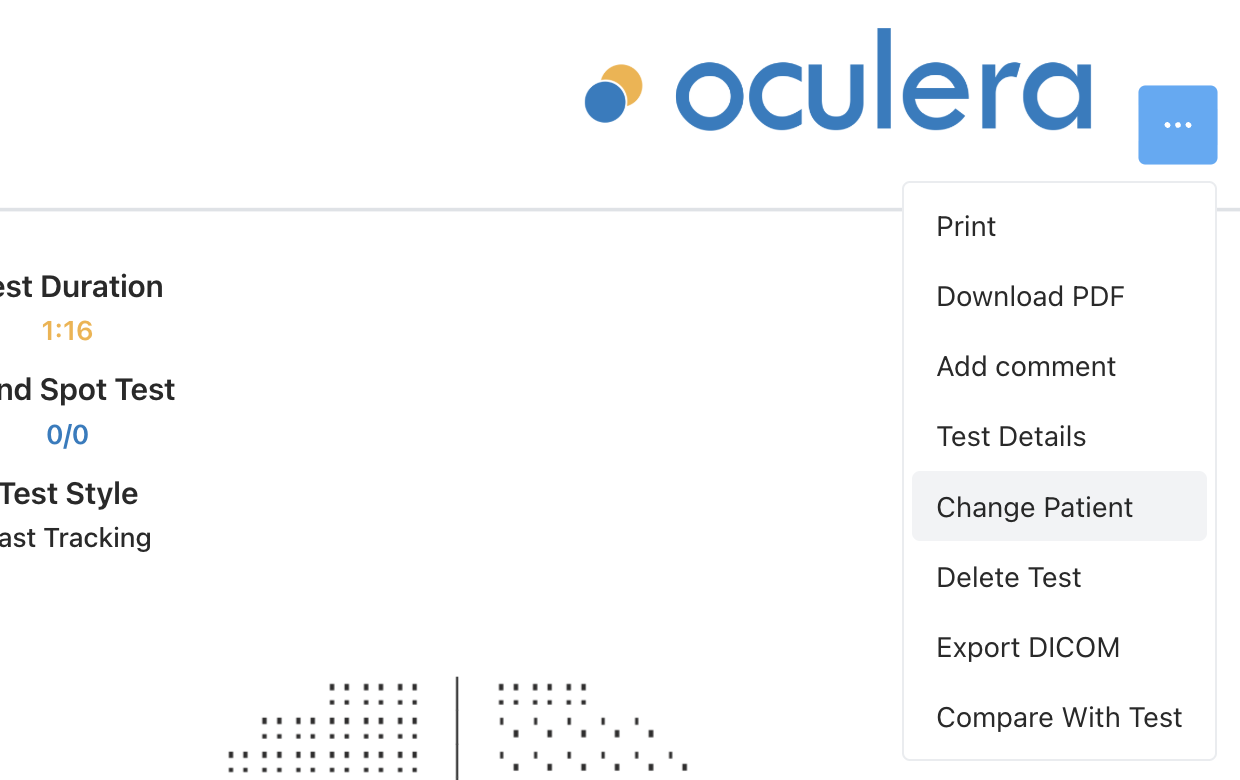
13. Ocular Motility and Pupillometry results explanation cardOM and PL results now include explanatory result cards. 14. Load ongoing test progress after refreshIf the browser tab is accidentally closed during a Visual Field test, the operator can reopen the website, it automatically reconnect to the device, and continue viewing the ongoing test progress without losing it. 15. Improved test saving logicTest saving has been significantly improved. If there is a temporary connection issue, whether due to internet connectivity or communication between the headset and the server, completed tests are stored locally first. Once the connection is restored, the data is saved to the database. This helps prevent test data loss. 16. VA videos pre-downloaded during installationIn the offline version, Virtual Assistant videos can now be installed in advance during setup while internet access is available. Once downloaded to the VR headset, they can be used offline. 17. Device removal request for distributorsDistributors can now remove devices from an account through the distributor panel. 18. Offline license information display for organizationsOffline license details are now visible in both the Distributor panel and Organization pages. 19. Fovea threshold visibility improvementThe fovea threshold is now displayed once it has been calculated. 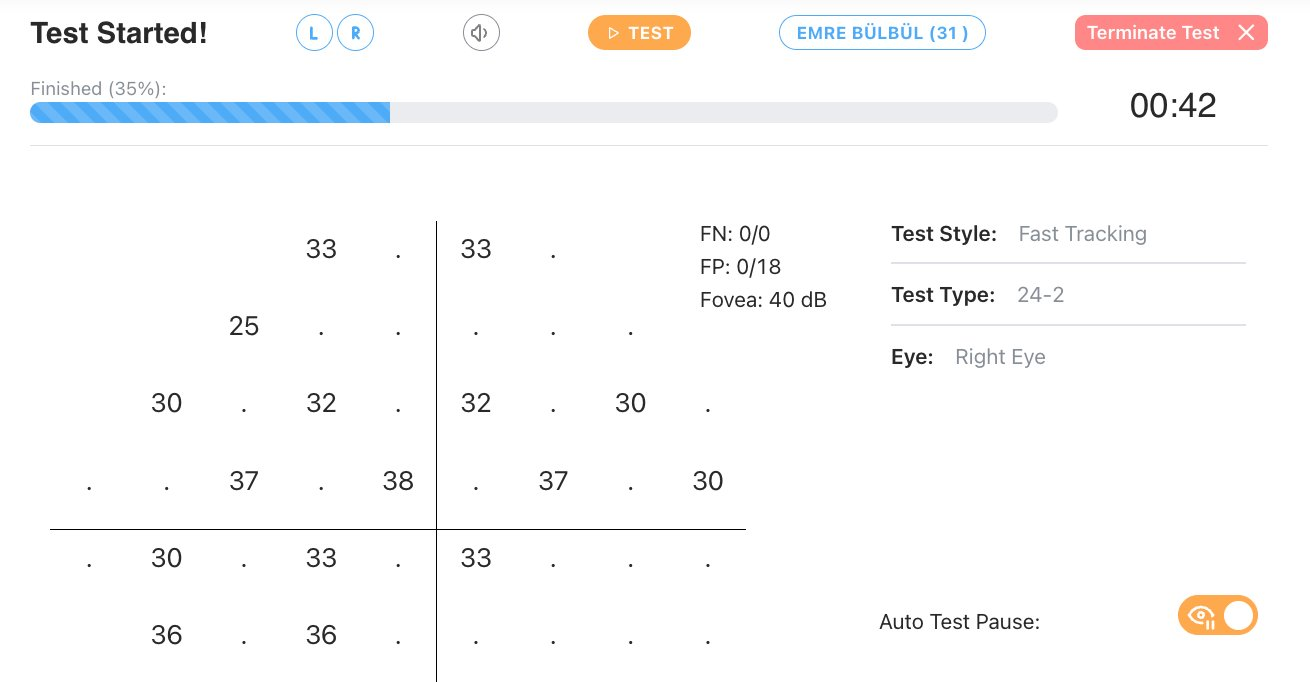
20. Eye video stream on pupillometryFixes- 21. Monocular test covered-eye black screen fix: For Visual Acuity, Color Vision, and Pelli Robson tests, the covered eye is now obscured with a black screen instead of a white screen.
- 22. Stereoacuity controller bug fix (2.7.13): A controller-related issue affecting the Stereoacuity test in version 2.7.13 has been fixed.
- 23. Offline sync fix: An issue affecting offline database synchronization between the cloud and offline systems in previous versions has been resolved.
|